BCapp
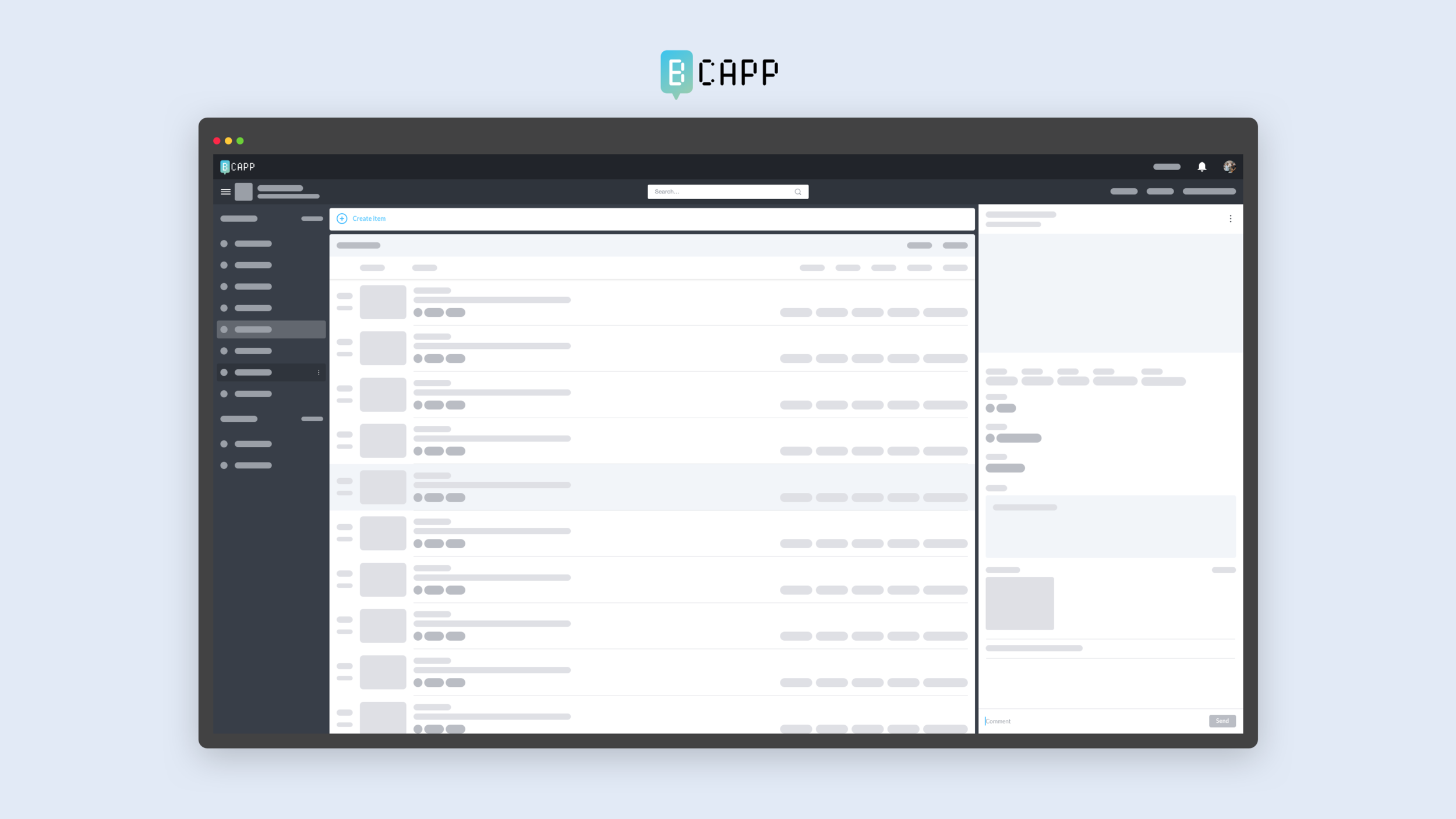
BCapp is an architectural tasks management platform designed for BIM Consulting/Architectus
Context
BCapp was originally built for BIM Consulting (Architectus) to help in clash coordination with external consultants. It was designed to improve communication by collecting information spread across emails, spreadsheets, and hand-crafted reports into a single place. Architectus' management wanted to determine if BCapp could also be used to optimize architectural project workflows so the BCapp team was tasked with implementing certain features to allow architectural users to start using BCapp.
My Role
My role for this project was to redesign and take their existing web app from beta to full production to be used across Architectus and fulfill new feature requirements of the project - bringing the project one step closer to commercialisation. My goal was to help the client make the best product design decision possible. By working closely with the client I was able to understand their needs and introduce design solutions to help solve problems and improve on existing ideas.
My role included:
The Problem
The beta version was missing features that hinder collaboration such as notification and other communication features that enable would users to quickly send small bits of information to collaborate efficiently.
Solution
After speaking with the client, analysing the original app, and discussions with the development team, we have determined a MVP set of features to be implemented in the 6 months that would drastically improve communication and workflow of BCapp.
The features integrated were:
Ideation to Production
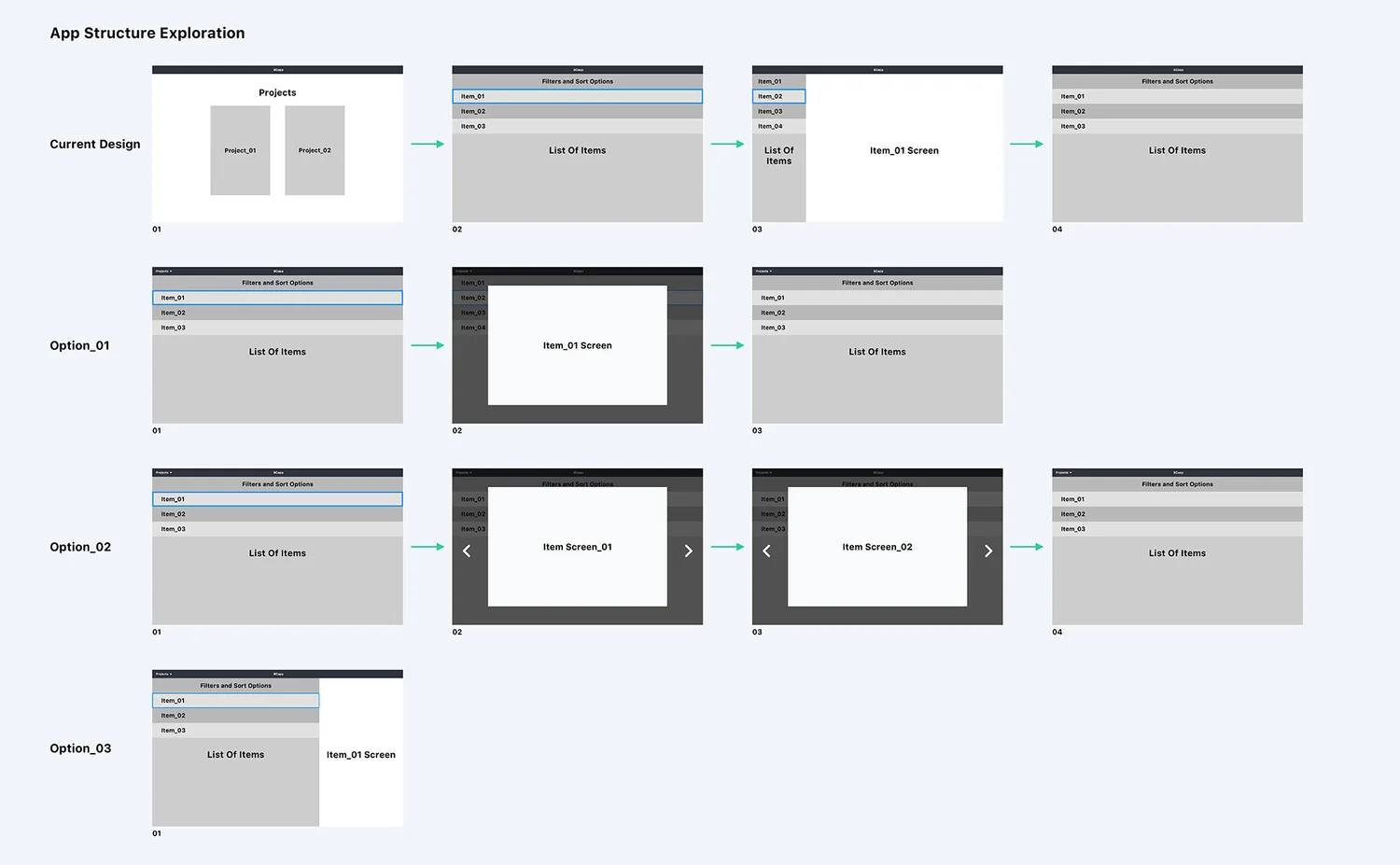
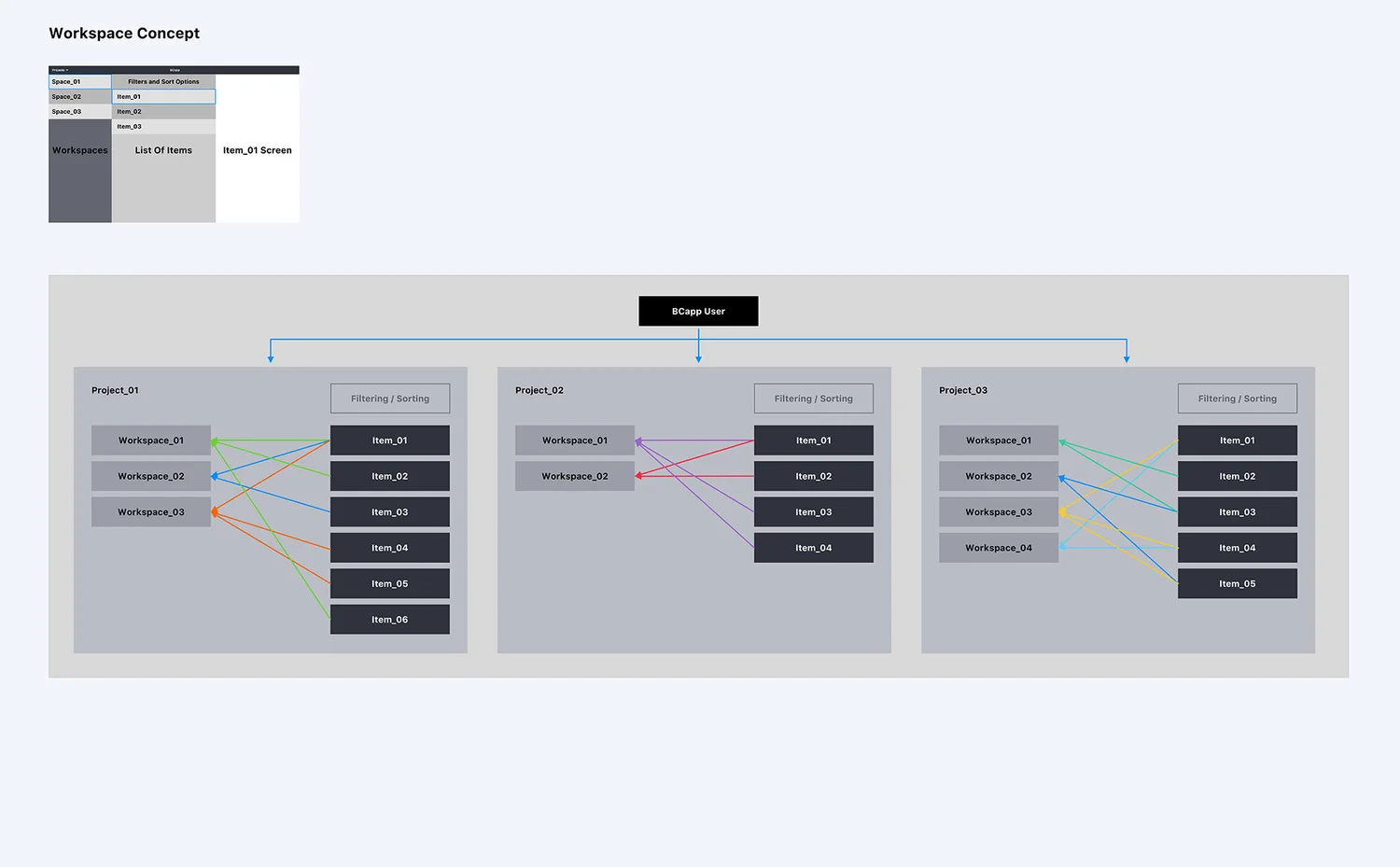
Because this was an existing project with existing full time and part-time developers, the design and development process was customised to suit the availability of the team, development had to start without new designs. The way we managed the process was to have the development team go forward and implement the backend infrastructure while the design was being refined, some features and screens such as the sign up, account creation and settings were partially implemented first by the development team and was adjusted later when the design was ready. Quick collaborations, sketches, and design decisions were made along the way to not hinder the development process. The plan was to give the development team as much autonomy as possible and come together and implement the refine designs at the later stage of the project so that the design had enough time evolved and mature.
Below is the basic outline of the process:
User Feedback and Testing
For this project I was able to sit next to and work with the users I was designing for, there was consistent user feedback in the whole design and development process. So I was able to test ideas early, allowing the users to point us in the right direction before we invested more time and resources in a design direction.
Measure of Success
As the product was getting more and more developed we saw a consistent increase in metrics such as engagement, retention, number of projects, files and task being created. Success for this project means internal adoption of the app.
Beyond Requirements
Beyond fulfilling the requirements of the app, I have also introduced:
Increased efficiency was measured by reducing the number of steps, screens and clicks it takes to perform specific tasks in the app. A series of workflow diagram was used to demonstrate the reduction in steps thus increase in speed and efficiency.